

How do I open my student emails?
You can easily access your student emails from the MyEmeris Student Intranet.
- Go to the Home page in MyEmeris.
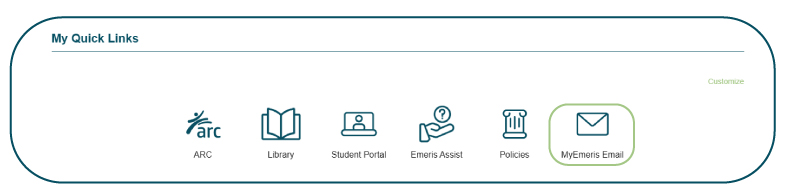
- Scroll down to My Quick Links and click on My Emeris Email.
- Log in to your Microsoft account with your Emeris details to view your emails.
- Once you are signed in, you can read, send and manage your student emails as usual.