
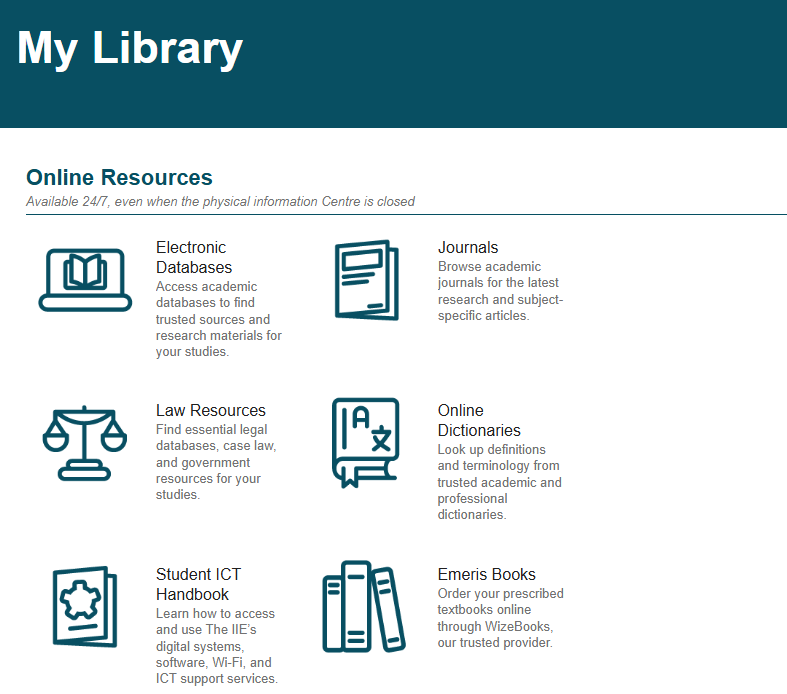
You can find all links to your library services on MyEmeris
**You will need to use your institutional email address as your username and student portal password to log in**
Select the E-Shelf tile:

Then select the EBSCOhost tile:

You will be will now be logged in.
If you have difficulties, please contact the Information Specialist using Assist.
You can also download the EBSCOhost mobile app from the Apple Store or Play store - use your student login details. |