You can download your latest student account statement from the My Finance page on the MyEmeris Student Intranet.
Follow these steps:
- Go to the My Finance page and click on Request Statement.

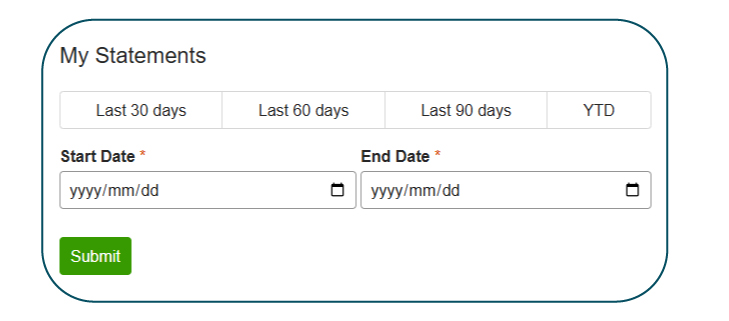
- Choose the period you want on your statement, then click "submit":
- Last 30 days
- Last 60 days
- Last 90 days
- Year to Date (YTD)
- You can also manually enter a custom start and end date if needed.
- Give the system a moment to generate your statement. A PDF document containing your statement will then download to your device.
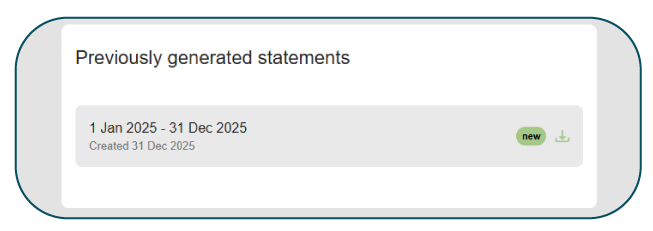
- Any statements you have generated before will still be available when you return to this page, so you can easily re-download them if needed.